FEATURES · 6 min · 2026-04-12
PUBG ESP Colors: Readable Overlays on Any Map
ESP color presets for PUBG — high-contrast outlines for Erangel fog, Miramar glare and night modes on Windows PC.
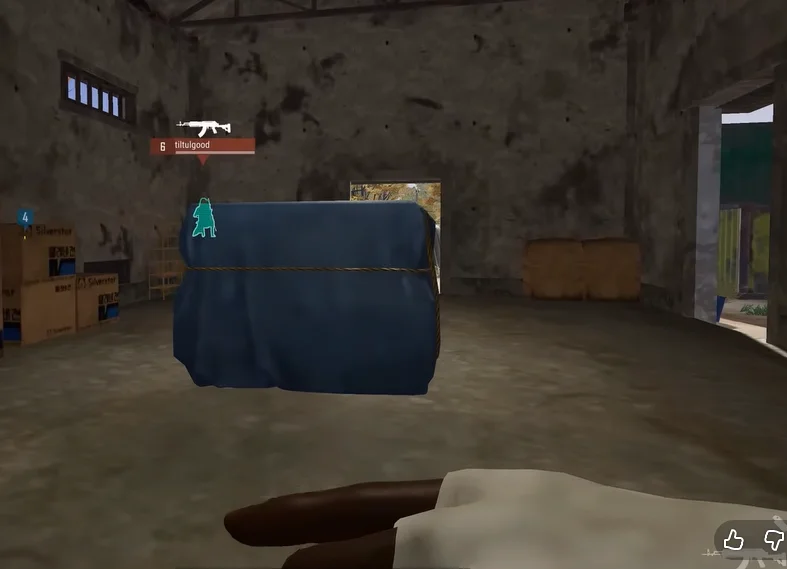
Color slots
The colors module typically separates visible enemies, hidden enemies, teammates, bots, loot tiers, and vehicles. Assign high-contrast pairs — cyan on green grass, orange on snow.
Colorblind-friendly picks
Avoid red/green only schemes. Use blue/yellow or purple/white combinations if you struggle with default presets.
After tuning colors, save a screenshot of your menu — updates occasionally reset misc settings.
Next step
Colors sit in miscellaneous options on /features. Full install walkthrough: setup thread in /forums.
Ready for PUBG Cheats?
Check live status, review features on the product page, then checkout from $35. Need help? Visit support.