SETUP · 10 min · 2026-02-20
Complete PUBG Cheats Setup
Step-by-step PUBG cheat setup from delivery to first match — antivirus exclusions, loader order, menu bind and status check after every patch.
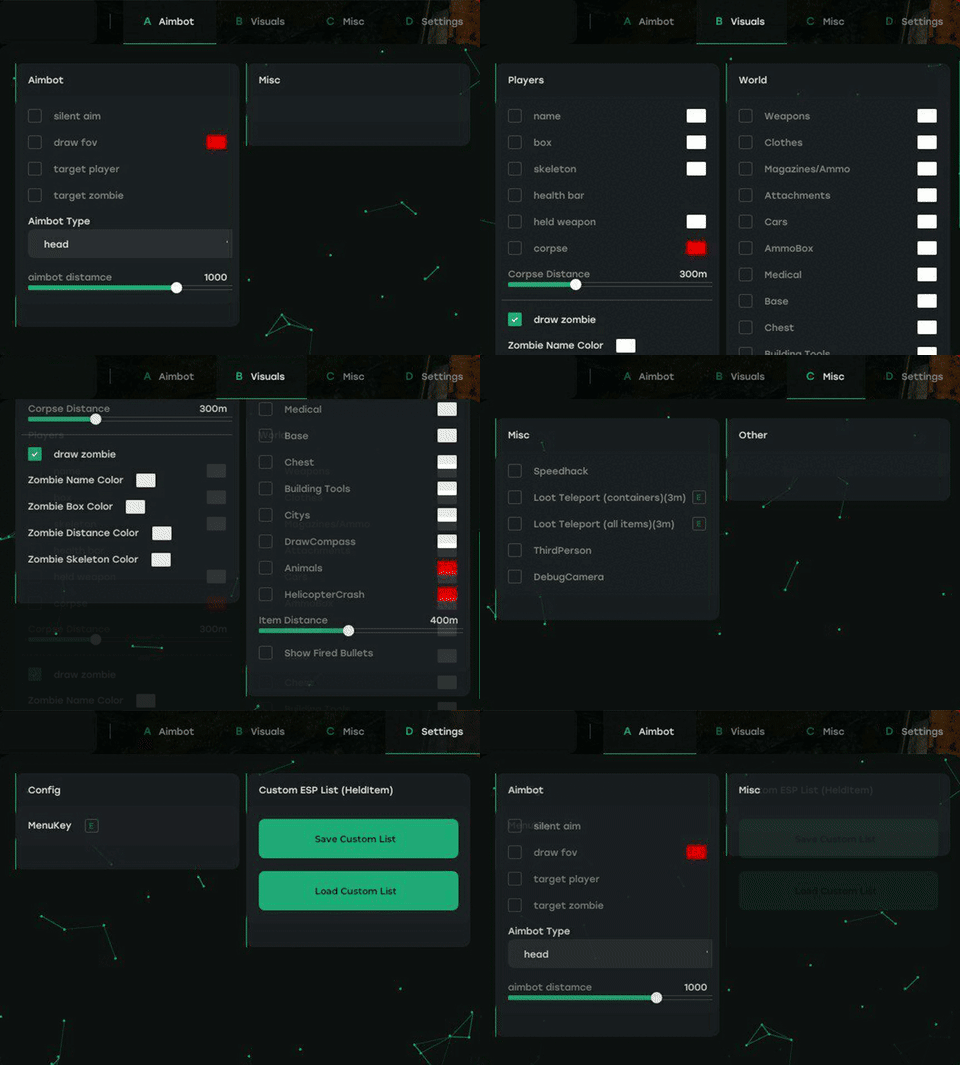
Step 1 — Purchase and locate delivery email
Complete checkout at /purchase for the $35 PUBG package. Save the delivery email with download link and license key before closing the tab.
Verify product status is clear on /pubg-cheats — do not install during an Updating banner if support advises waiting.
Step 2 — Prepare Windows
Run Windows Update and install Visual C++ runtimes if the loader readme requests them. Close overlapping overlay apps that hook the game — Discord overlay, some capture tools, etc.
Create a restore point if you want an easy rollback — optional but useful on first install.
Step 3 — Antivirus exclusions
Add the loader folder to Windows Defender exclusions (or your AV equivalent). Third-party loaders often trigger heuristic flags — exclusion prevents quarantine mid-match.
Only download from the official delivery link in your purchase email, not random mirrors.
Step 4 — Install and authenticate
Extract the loader to a simple path like C:\PUBGHacks\ — avoid nested OneDrive folders. Run as administrator if the readme requires it. Paste your license key when prompted.
Step 5 — First launch ESP baseline
Enable player boxes, distance, and enemy-only first. Add loot filter categories one at a time. Set max distance around 350m open world, lower later.
Open /features to see every toggle name. Save menu screenshots after tuning colors and visible check.
Step 6 — Verify before ranked-style play
Test in a low-stakes mode or training environment if available. Confirm FPS is stable and toggles respond. If the loader fails, use the troubleshooting guide or /support — do not repeat failed inject attempts in a loop.
Ready for PUBG Cheats?
Check live status, review features on the product page, then checkout from $35. Need help? Visit support.